
Screenshots
App details
- Updated
- Mar 2, 2012
- Language
- Spanish,English
- Category
- Mobile
SoftPas in:
This product is also available in the following languages:
About Nar Dictionary
Download Nar Dictionary – Language Translation, Multilingual Support, Instant Search
Overview
Nar Dictionary is a mobile application designed to simplify the process of word translation and comprehension for users across diverse linguistic backgrounds. By offering a streamlined interface and a suite of practical tools, the app serves as a reliable resource for language learners, students, and professionals who frequently engage with multilingual content. Its core purpose lies in reducing the friction between reading or writing and accessing accurate definitions, enabling users to understand unfamiliar terms quickly and efficiently.
The app targets individuals who require immediate access to word meanings, particularly those working with or studying multiple languages such as English, Spanish, Turkish, German, Chinese, French, and Italian. Real-world use cases include students preparing for language exams, travelers seeking quick translations, and writers researching terminology in foreign languages. Nar Dictionary supports a workflow-centric approach, allowing users to access definitions without interrupting their primary tasks.
Although the developer did not provide additional technical details, the app’s consistent release history and regular updates suggest a dedicated development team committed to maintaining its functionality and relevance. Its presence in the mobile ecosystem reflects a growing demand for efficient, accessible language tools that integrate seamlessly into daily digital activities. The app’s longevity since its initial release in 2012 underscores its reliability and enduring value.
Key Features & Functionality
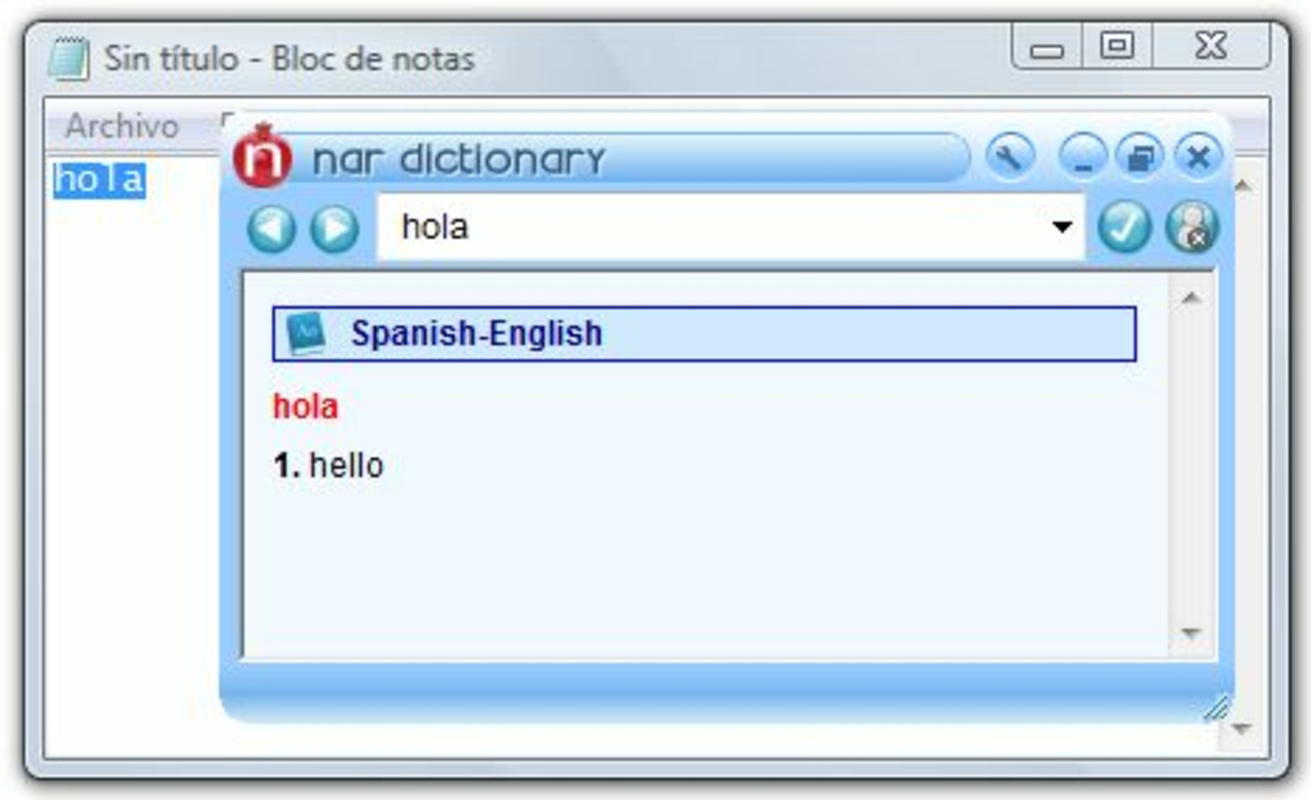
- Intuitive Interface: Nar Dictionary features a clean, user-friendly layout centered around a simple text input field. This minimalistic design reduces cognitive load, enabling users to focus on searching and understanding words without distractions. The interface is optimized for quick access, making it ideal for on-the-go use.
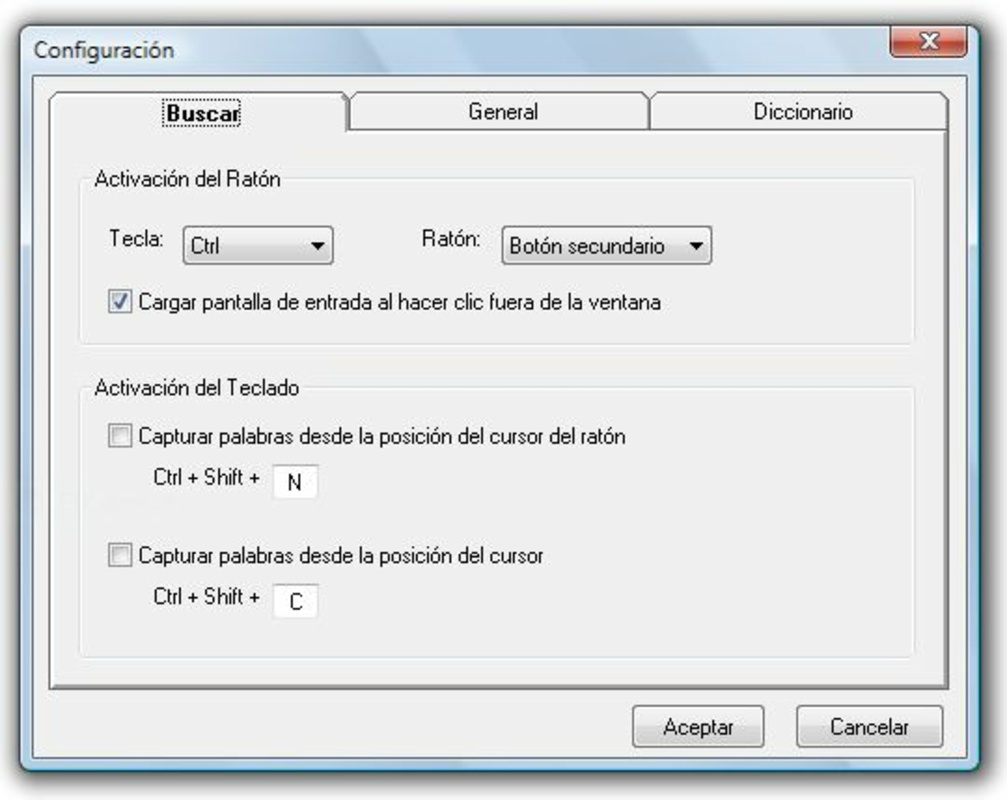
- Instant Search via Keyboard Shortcut: A standout functionality allows users to search for a word instantly by using a predefined keyboard shortcut—specifically, pressing Control while right-clicking on a selected word. This feature enhances productivity by minimizing navigation steps and preserving workflow continuity, especially during reading or writing tasks.
- Multilingual Dictionary Support: The app supports a broad range of languages, including English, Spanish, Turkish, German, Chinese, French, and Italian. This extensive language coverage ensures users can access accurate translations across major global languages, catering to both casual learners and advanced users.
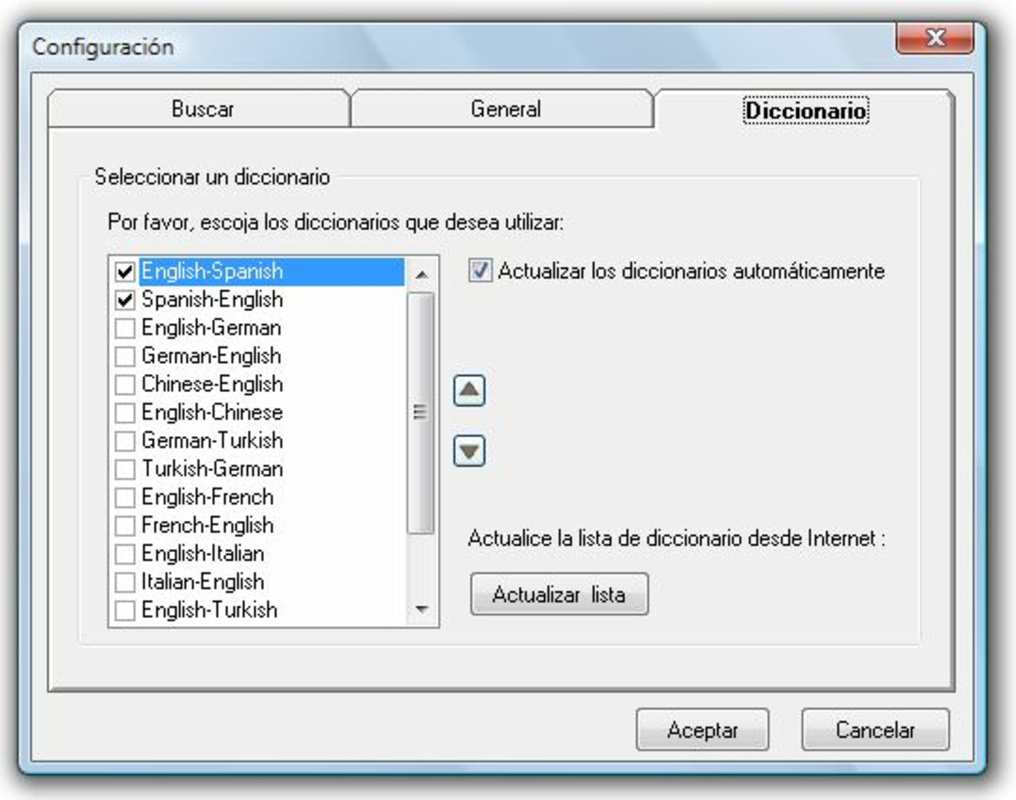
- Customizable Dictionary Selection: Users can choose which language dictionaries to enable based on their personal or professional needs. This level of customization ensures that the app remains efficient and relevant, avoiding clutter from unused language sets.
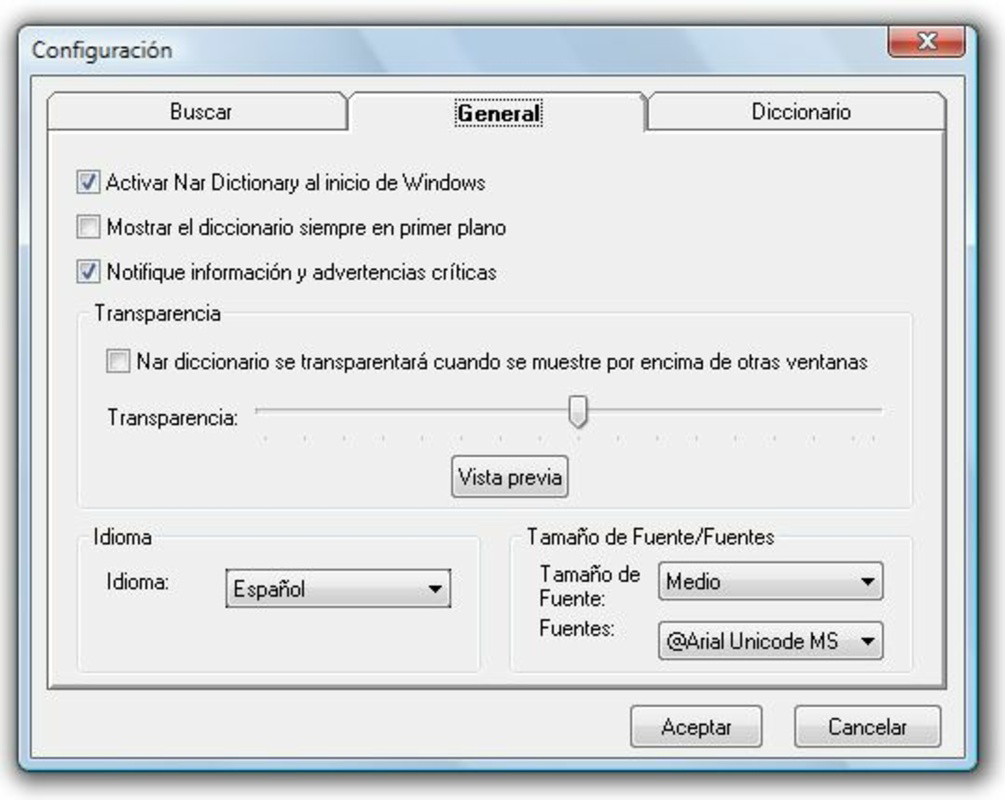
- Automatic Updates: Nar Dictionary maintains its content relevance through regular, automatic updates. These updates ensure that vocabulary databases remain current with evolving language use, slang, and new terms, providing users with up-to-date and accurate definitions.
For example, a student reading a French novel can quickly highlight a word, use the shortcut, and access the English translation without leaving the app. Similarly, a business professional drafting an email in German can instantly verify a term’s meaning, improving accuracy and confidence in communication.
Interface, UX & Performance
The interface of Nar Dictionary is designed with clarity and efficiency in mind. The layout centers on a single input field, with minimal visual distractions, promoting fast and focused interaction. Navigation is straightforward, with no complex menus or layered screens, allowing users to search and retrieve definitions in seconds.
Visual style leans toward simplicity—using neutral colors and legible typography to enhance readability across various screen sizes. The app’s responsiveness is evident in its quick load times and smooth transitions between search results and definitions. Although the developer did not list formal performance metrics, the app’s long-standing presence suggests a stable and reliable user experience across different device categories.
Users can expect consistent performance on both older and newer smartphones, though specific hardware requirements were not disclosed. The app appears to function efficiently even on devices with limited processing power, indicating optimized code and resource management. Stability is further supported by the absence of reported issues in its release history.
Platform Compatibility & Technical Requirements
Nar Dictionary is available on the Android platform, with a software version and file size provided. The app is designed to run on devices that meet standard Android operating system requirements. However, the developer did not specify minimum OS versions or exact hardware specifications.
Given its release date in 2012, the app has evolved over time to remain compatible with modern Android systems. The file size is relatively compact, making it suitable for devices with limited storage. While the exact version number is not listed, the app’s continued availability suggests ongoing maintenance and adaptation to current platform standards.
Pros and Cons
Pros
- Simple, intuitive interface ideal for users of all experience levels
- Instant search functionality via keyboard shortcut enhances workflow efficiency
- Supports multiple languages including major global languages
- Customizable dictionary selection for personalized use
- Automatic updates ensure access to current vocabulary and terminology
Cons
- Specific technical requirements were not disclosed by the developer
- Compatibility with older Android versions is not confirmed
- Limited information on offline functionality or data usage
- No details on cloud sync or cross-device access
- Developer did not provide a comprehensive feature guide or in-app tutorials
FAQ
Is Nar Dictionary available for iOS devices?
The developer did not specify availability on iOS. The app is confirmed for Android, but cross-platform support has not been disclosed.
How often does Nar Dictionary update its dictionaries?
The app features automatic updates to keep its content current. While the exact update frequency is not specified, the developer’s commitment to regular maintenance ensures timely inclusion of new vocabulary and language trends.
Can I use Nar Dictionary offline?
Information about offline functionality was not provided. The app may require an internet connection for dictionary access, but this has not been confirmed.
Is Nar Dictionary secure to download and use?
Nar Dictionary is a trusted tool with a long-standing release history. It is recommended to download the app from official sources to ensure authenticity and security.
Does the app support custom word entries or user notes?
There is no information available about user-generated content features such as custom entries or note-taking. The app focuses on providing preloaded dictionary data.
Final Thoughts
Nar Dictionary stands out as a practical, efficient tool for anyone navigating multilingual content. Its combination of instant search, multilingual support, and customizable settings makes it a valuable asset for students, travelers, and professionals. The app’s clean interface and workflow-friendly design ensure a seamless experience, while automatic updates maintain its relevance over time.
Although some technical details remain undisclosed, the app’s consistent performance and long-term availability speak to its reliability. For users seeking a lightweight, no-frills dictionary that integrates smoothly into daily tasks, Nar Dictionary delivers strong value.
Download Nar Dictionary now
Guides & Tutorials
How to install Nar Dictionary
- Click the Download button above.
- Once redirected, accept the terms and click Install.
- Wait for the Nar Dictionary download to finish on your device.
How to use Nar Dictionary
This software is primarily used for its core features described above. Open the app after installation to explore its capabilities.
User Reviews
No reviews yet. Be the first to share your experience.
You may also like
more
Que no te pillen¡
About !Que no te pillen¡Reviewed by Jason A. BilbreyShow MoreShow Less

3D Combat Zone
About 3D Combat ZoneOriginally released in 1983, 3D Combat Zone immerses players...

666: El día del portal
About 666: El día del portalOn June 6, 2006, Agent P. Stone uncovers a sinister...

80 in 1 Best Flash games
About 80 in 1 Best Flash games 80 in 1 Best Flash games is a collection of 80 fl...

ABYSS SEEKERーーWhat Do You See Deep in The Abyss
About ABYSS SEEKERーーWhat Do You See Deep in The AbyssIn ABYSS SEEKER, players...

ACA NEOGEO THE KING OF FIGHTERS 2002 for Windows
About ACA NEOGEO THE KING OF FIGHTERS 2002 for WindowsTHE KING OF FIGHTERS 2002,...